Getting Started
Quick Start for Admins
To begin setup as an Administrator, follow the instructions below:
Log in to Admin Portal "insert company domain.revars.com/admin".


Click on the Asset tab.

Click on Create Asset.

Fill in the Asset information and Save.

Click on the Users tab.

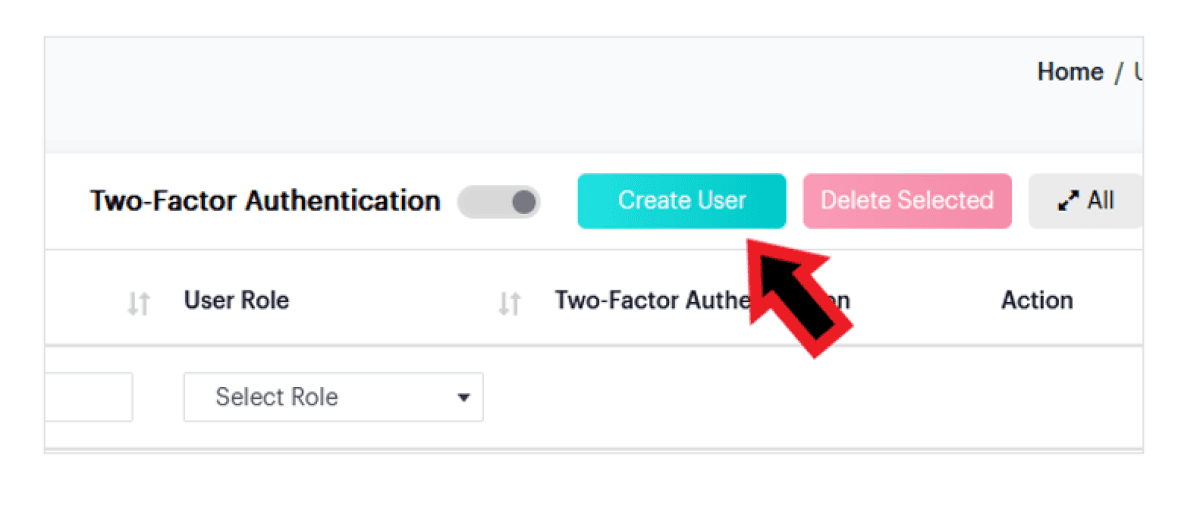
Click on Create User to create a new user and/or administrator account:
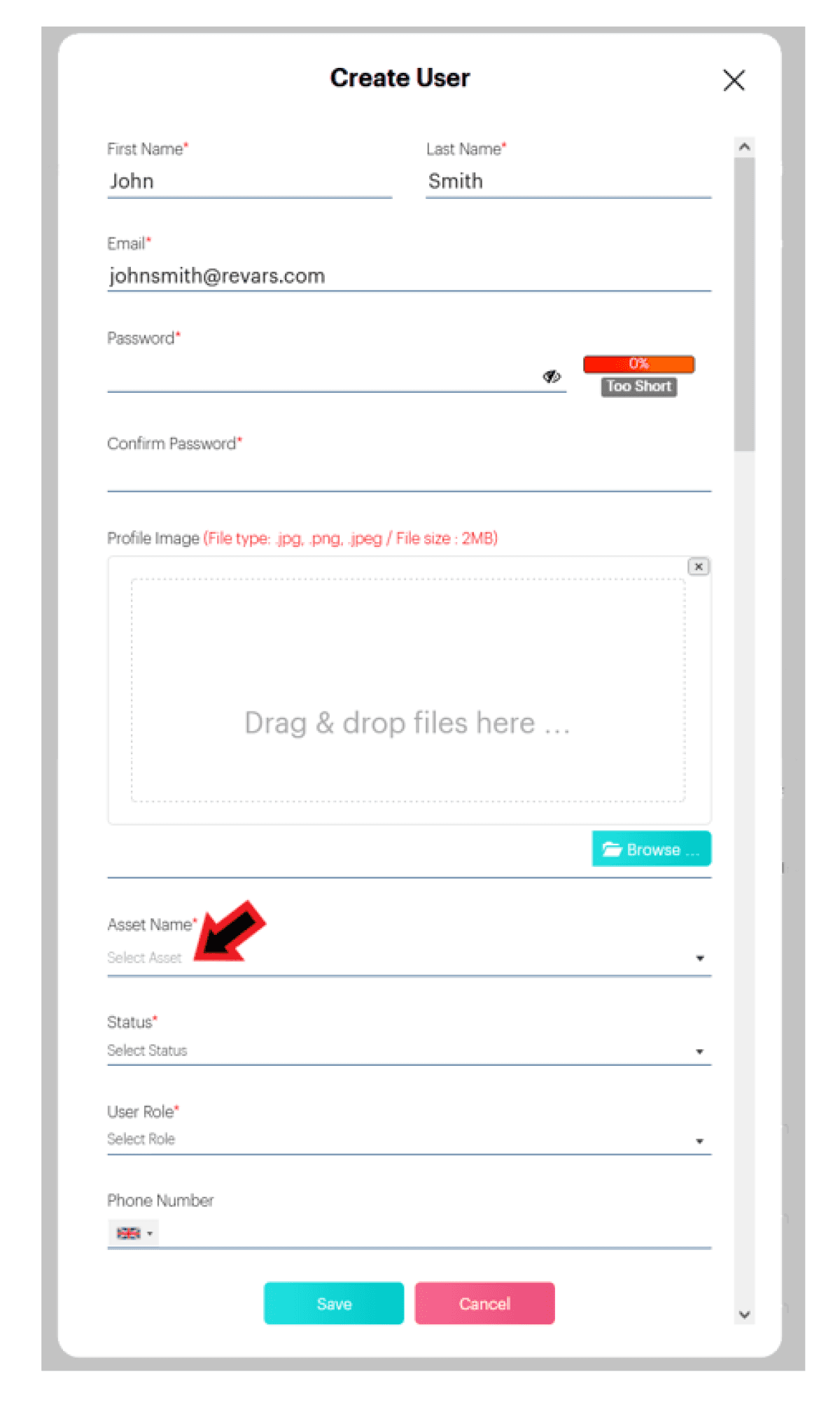
Fill in the New User Information and Save.

Click on the Bowties tab.

Click on Create Bowtie to create your first bowtie. Add details such as name, code, underlying bowtie hazard, associated asset, informative video links, illustrative bowtie image, icon, then click on Save.


Click on the Threats tab.
Click on Create Threat to create your first bowtie. Add details such as name, code, underlying bowtie hazard, associated asset, informative video links, illustrative bowtie image, icon, then click on Save.
Any other questions? Get in touch